Crafted with Care
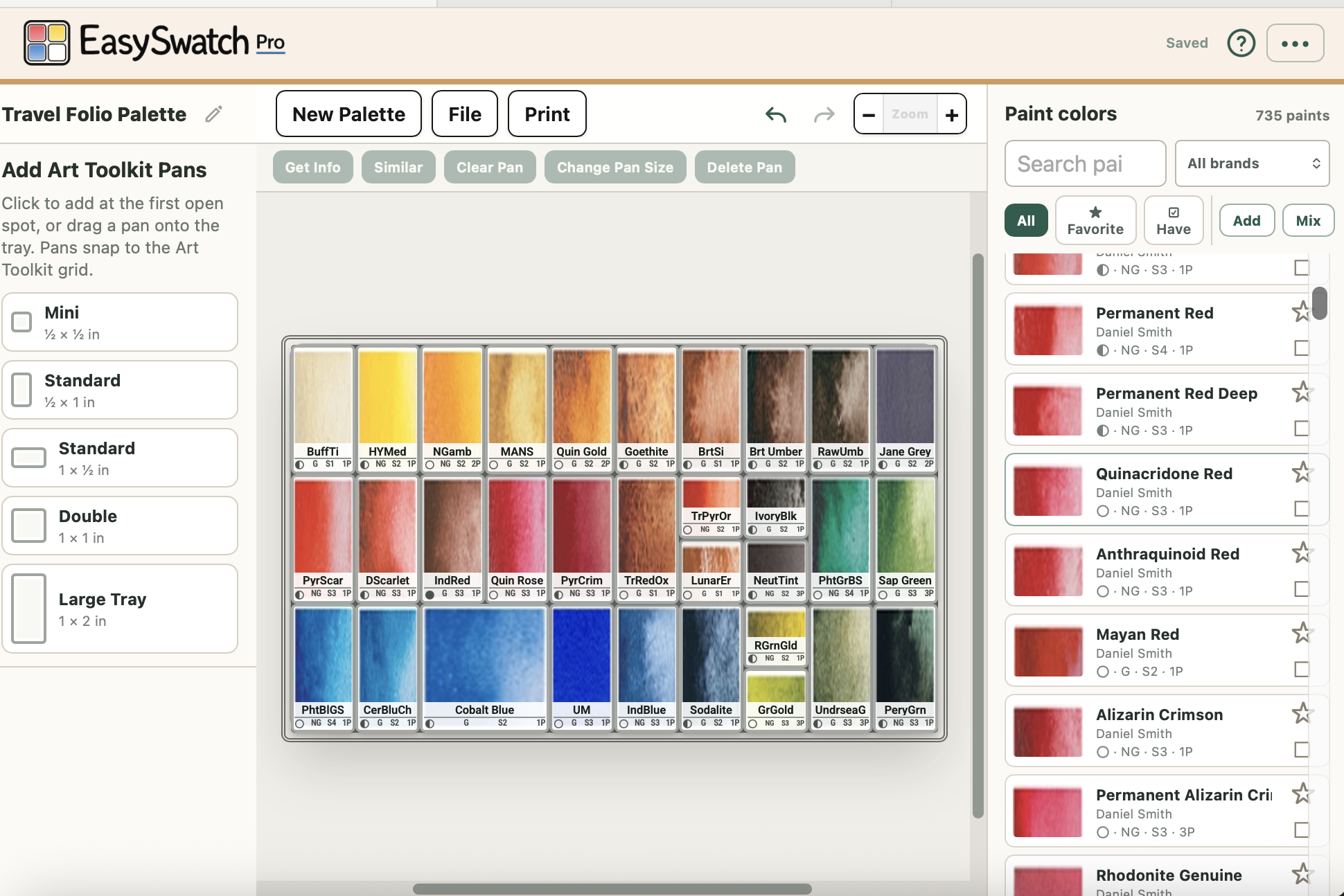
EasySwatch is a professionally designed planning tool to facilitate the choices watercolor painters make: what fits, what belongs together, and what you want at hand when the painting begins.
It was designed by a watercolor artist and a veteran software designer with an obsessive attention to every detail.
Watercolor swatch sheets take time to make by hand. Many artists resist that and will content themselves with less than optimum paints for a project or have a swatch sheet that’s out of date.
EasySwatch is meant for experimentation. Change your palette and the swatch sheet follows.
Arrange Without Commitment
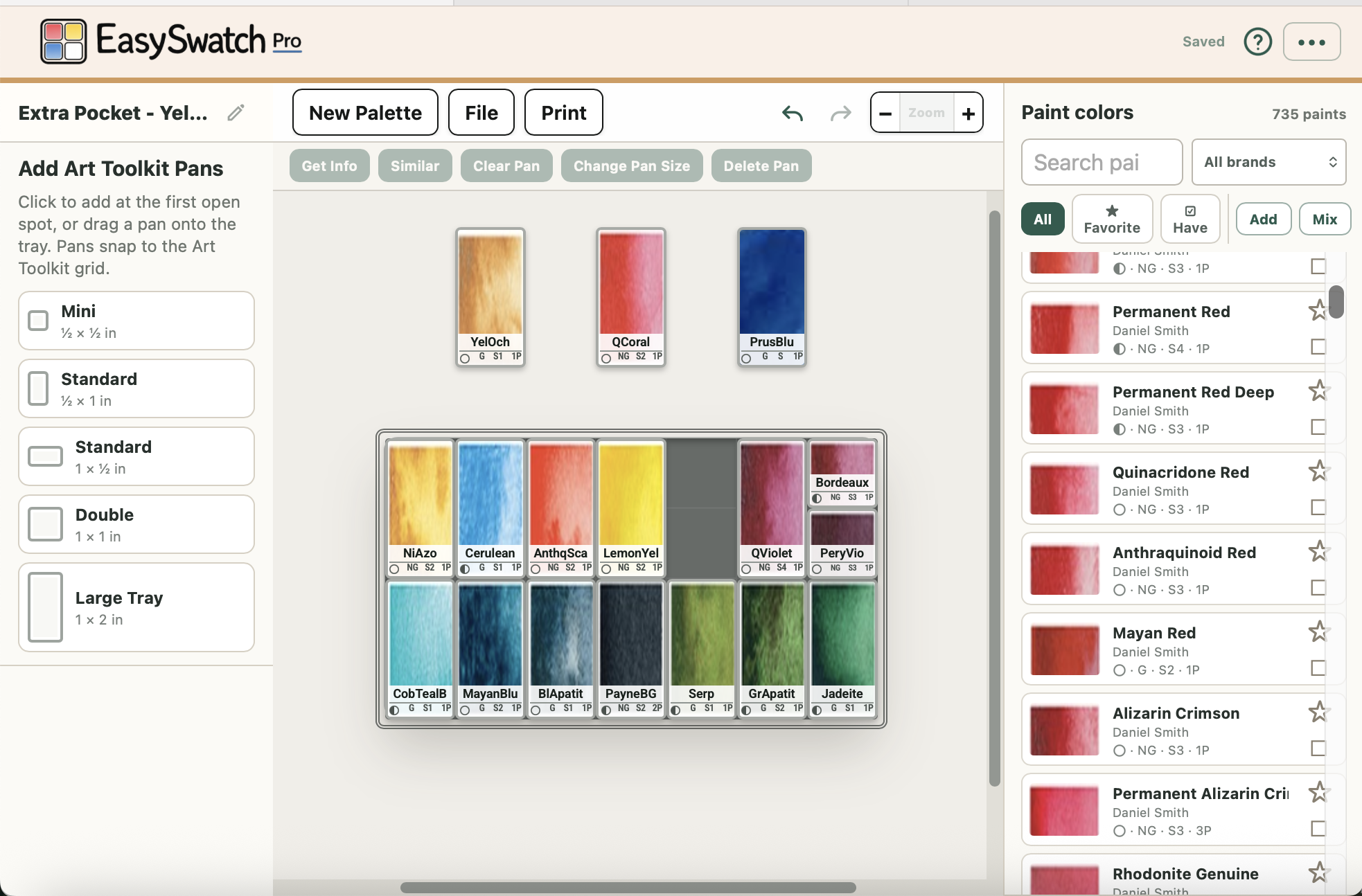
EasySwatch Pro prints your palette layout at 1:1 size. Use the swatch sheet as a guide when filling pans, a map for labels and paint names, or a reference tucked into the palette lid.
The swatch sheet even contains information about the paint that would be a pain to do manually, like transparency, granulation, how much it stains, and number of pigments.
Palette-sized printed swatch sheets
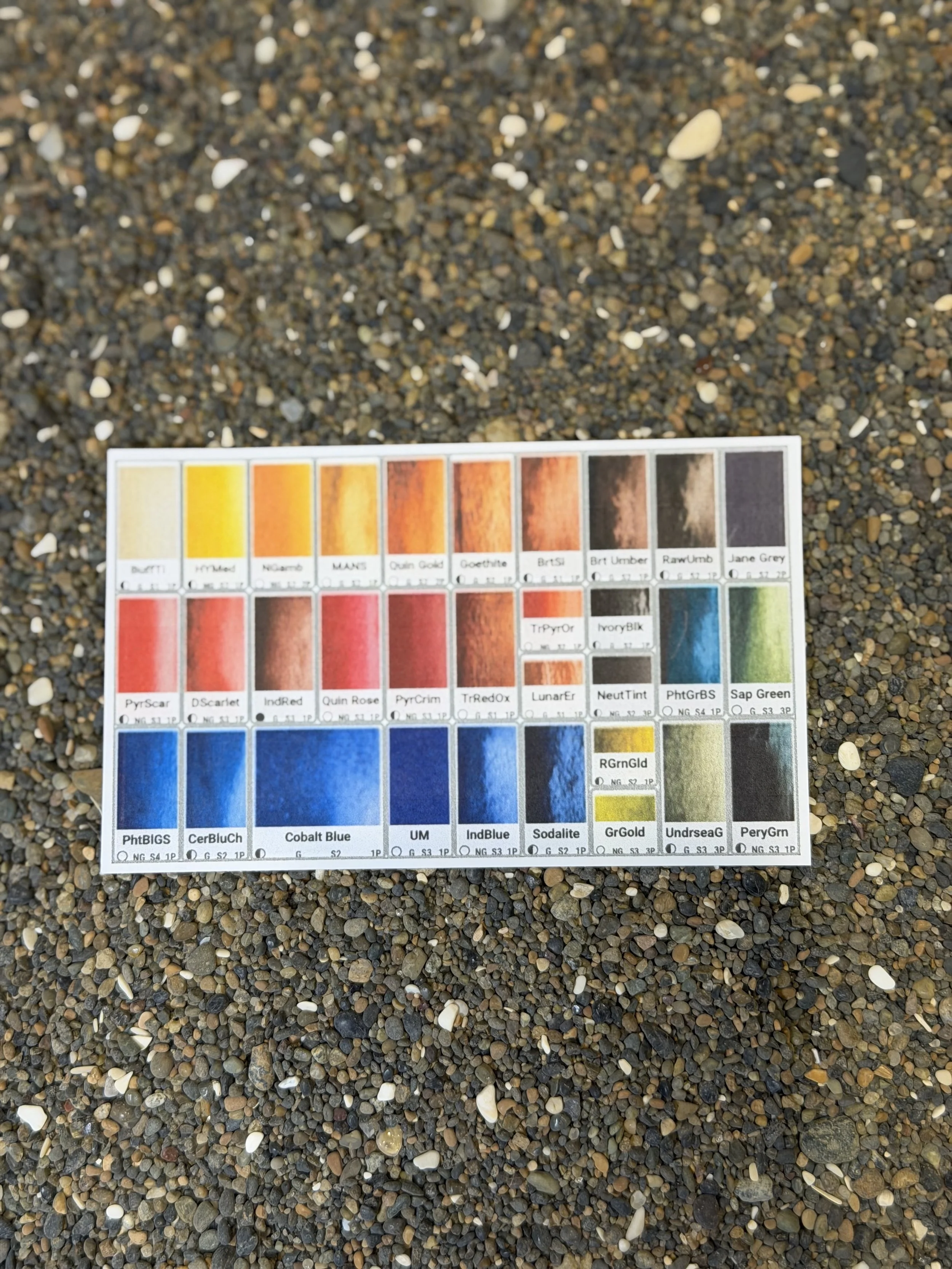
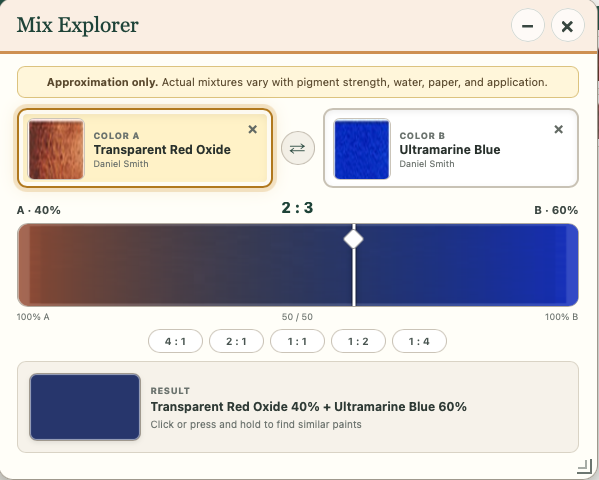
What happens when you mix two colors? Sure you could try it but where’s the fun in that when EasySwatch can take a shot at it mathematically! Is it perfect? Of course not! EasySwatch is calculating the color results from different mix percentages using the average color of the two swatches. It doesn’t know about the detailed behavior of these two paints but it helps you decide if it’s even worth trying.
Experiment with mixes
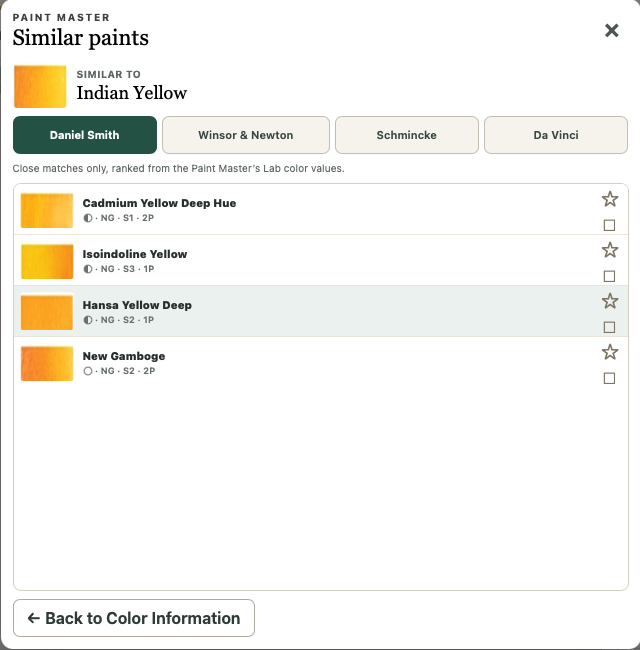
EasySwatch has a detailed database, including color profiles, of over 700 paints from four vendors. A click of a button will show you other paints across our database with a similar color. Very handy if an instructor is asking you to bring a color you don’t have to class but it turns out you DO have another that’s very close.
Compare paints
Sometimes a scene might take unusual mixes or handling that aren’t obvious. EasySwatch can download a file with all the information about your palette that you can attach, along with a photo of your subject, to an AI chat like with Claude ChatGPT, or Gemini. AI will produce a page or so on its “thoughts.” Depending on your account the Chatbot can even save that palette so in the future you just attach a photo and tell it what palette you have with you.
Get AI’s take on a scene

Click photo to see Claude’s ideas about this difficult scene.
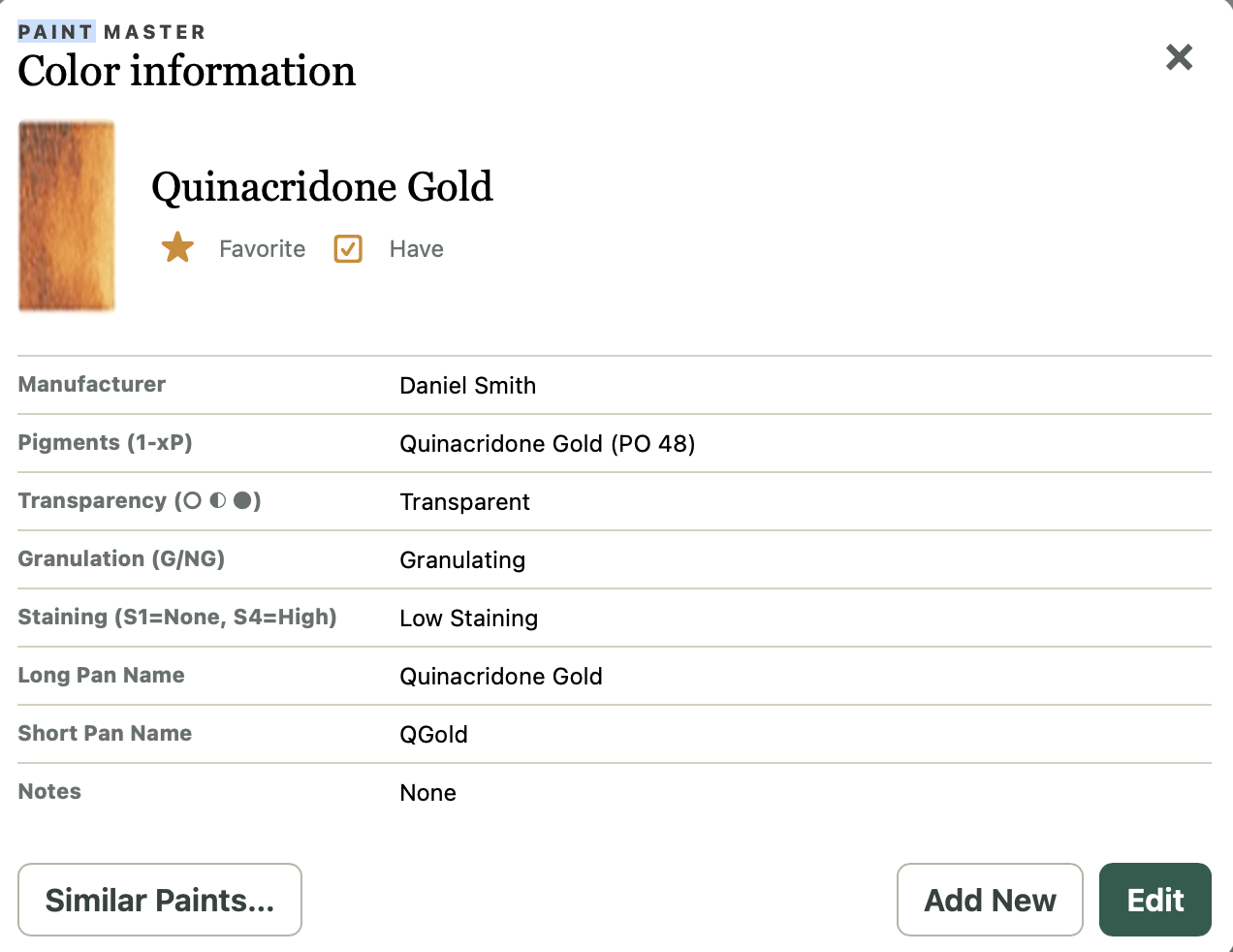
Browse over 700 swatch images and paint information from Daniel Smith, Winsor & Newton, Da Vinci, and Schmincke. Search by manufacturer or color name, then assign a paint to a selected pan—or drag the swatch directly onto the layout.
You can also mark the paints you own and flag favorites, making it easy to narrow a large library to the colors that are actually available in your studio. Don’t buy a paint you don’t need!
Feature highlights:
Search by paint name
Filter by manufacturer
“Have” and “Favorite” filters
Vendor swatch images shown directly in pans
Pigment and paint-behavior information on every swatch
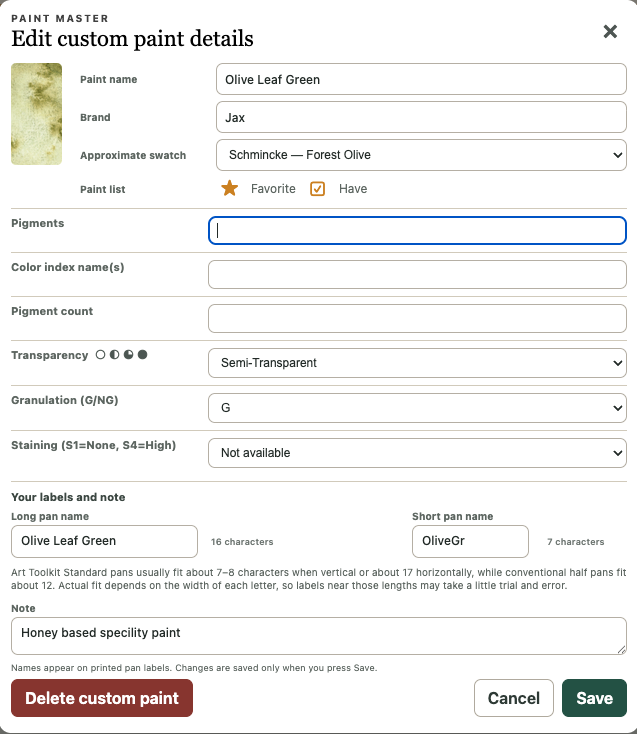
Editable Paint Master for personal additions and notes
More than 700 colors at your fingertips
Plan with real dimension
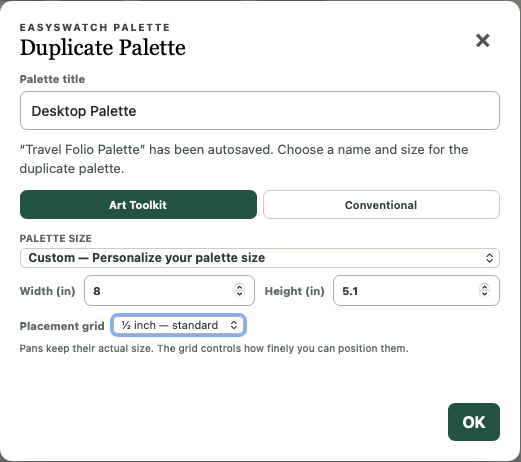
Start with an Art Toolkit or conventional removable-pan system. Choose a standard palette or enter custom dimensions, then add the pan sizes that match your setup. EasySwatch uses system-specific grids and collision prevention to keep the layout grounded in physical reality.
Art Toolkit or conventional palettes in loads of sizes built-in or define your own.
Realistic pan footprints and palette dimensions
Change sizes of pans with a couple of clicks
You can experiment with EasySwatch and do basic palette planning for free. To unlock all the power, you’ll want Pro. At a one-time introductory price of $14.95 it’s hard to go wrong. Check out the differences.
Free Vs Pro

A great price for the painters who join us early
The current $14.95 price is an introductory price. We are keeping it intentionally low while EasySwatch grows and while early users help us learn what matters most in real watercolor practice.
If you purchase EasySwatch Pro now, that purchase locks in your non-expiring license to the EasySwatch Pro features. The price may increase or the introductory offer may end at any time.
EasySwatch Pro is not a subscription. However, that does not mean every future product or feature will be included. We can imagine some future offerings that are billed separately. Those things will always be described and priced clearly before purchase.